
Klap: review, pricing and alternatives
What is Klap AI? An Overview
When I first started looking into tools to streamline my content workflow, the promise of AI-powered video editing always caught my eye. Klap AI is one such tool that has been making waves, and for good reason. At its core, Klap is designed to tackle a universal problem for content creators, marketers, and small businesses: the sheer amount of time it takes to repurpose long-form video content for the fast-paced world of social media.
Think of Klap as your personal AI assistant for transforming lengthy videos – like those hour-long YouTube interviews, detailed webinars, podcasts, or even Zoom recordings – into bite-sized, vertical clips. These aren't just any clips; they are specifically optimized for platforms like TikTok, Instagram Reels, and YouTube Shorts. The primary audience for Klap is anyone who produces long-form video but struggles to consistently create engaging short-form content to maximize their reach and keep up with audience demands without spending countless hours in traditional editing software.
What I keep coming back to is Klap's fundamental value proposition: it aims to make content repurposing effortless. In an era where attention spans are shrinking and short-form video dominates social feeds, having a tool that can automatically identify compelling moments, reframe them, and prepare them for various platforms is incredibly appealing. It’s built for efficiency, allowing you to turn one substantial piece of content into a steady stream of social media posts, thereby extending its lifespan and discoverability.
Key Features: How Klap Repurposes Video
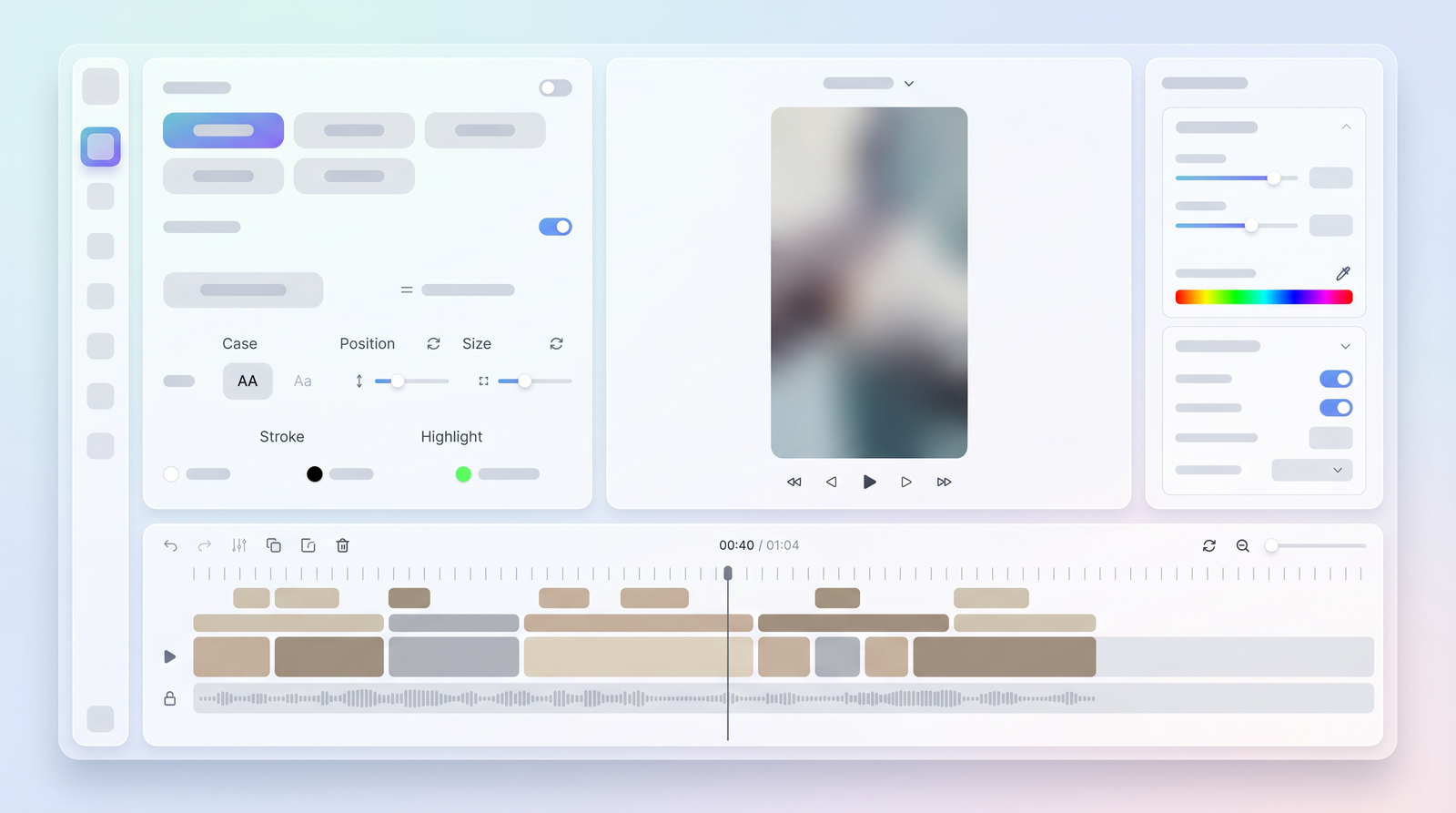
When you dive into Klap, you'll quickly see that its power lies in its suite of AI-driven features designed to automate much of the video repurposing process. It’s not just cutting; it’s intelligent cutting. The first standout feature is its AI-powered auto-clipping. Klap uses artificial intelligence to analyze your video content, looking for what it considers compelling moments. This isn't random; the AI is trained to detect interesting segments based on factors like voice tone, pacing changes, and key phrases spoken within the dialogue. It’s trying to find the 'hooks' and 'highlights' that will grab a viewer's attention in a short clip.
Beyond simply identifying these moments, Klap employs smart reframing. This is crucial for vertical video. Its 'AI Reframe 2' technology is quite clever; it analyzes the scene to determine the best layout for a vertical format. Whether your original video features a talking head, a split screen, screencasts, or even gaming footage, Klap attempts to keep the most relevant part of the action or the speaker’s face centered and in focus. It also applies dynamic elements like zoom cuts and transitions to make the clips more engaging, which helps them feel more polished than just a simple crop.
Another feature that truly saves time is Klap's automatic caption generation. In my experience, adding captions manually is one of the most tedious aspects of video editing. Klap generates clean, dynamic captions, often with emojis, directly onto your clips. This is vital for social media, as many people watch videos on mute. The tool also supports multiple languages, broadening your potential audience reach. While it offers some customization options like fonts, colors, and aspect ratios, it’s important to manage expectations; these are generally for stylistic tweaks rather than deep, granular editing control.
Getting Started with Klap: From Upload to Export
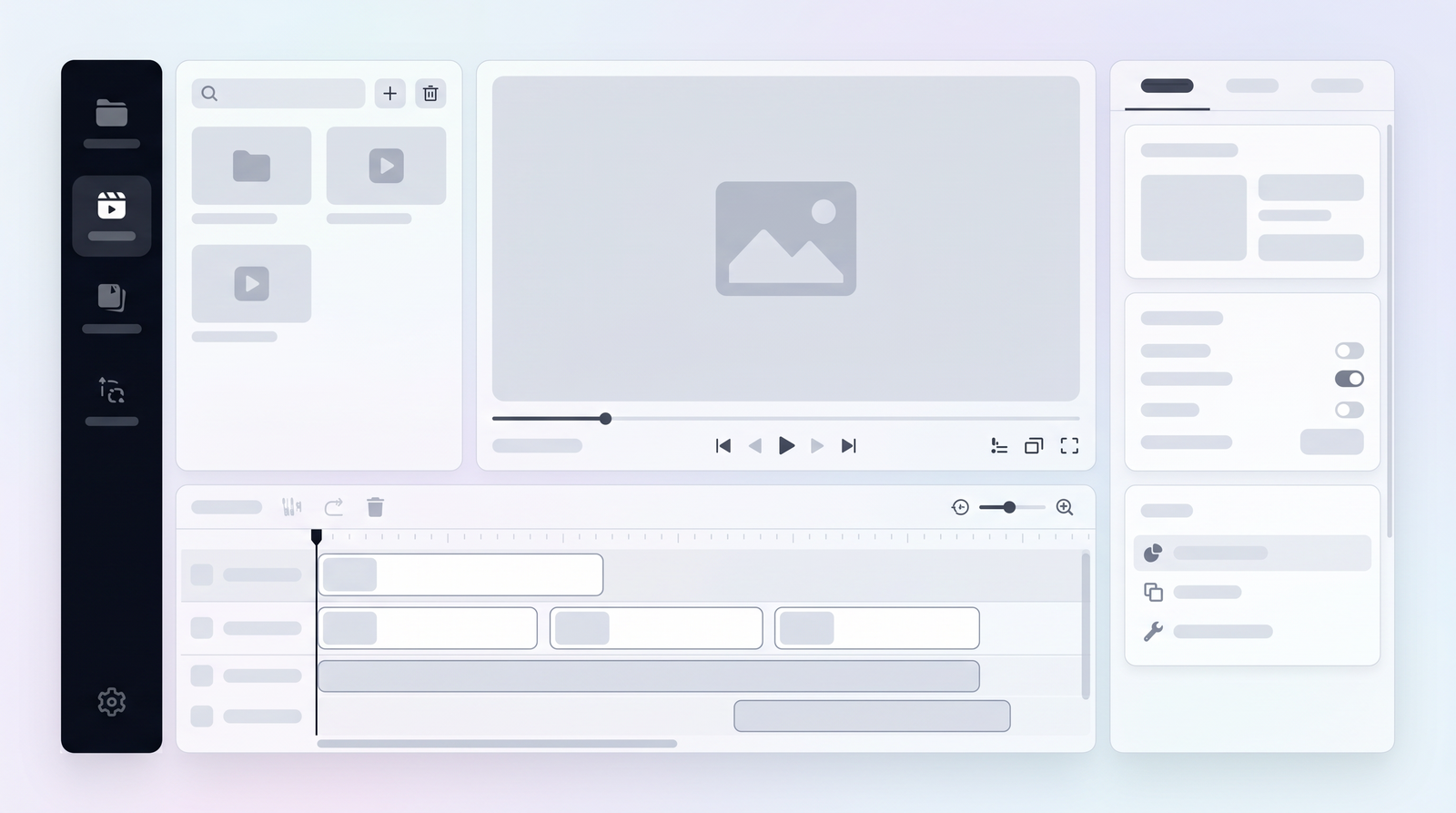
One of the most appealing aspects of Klap, especially for creators pressed for time, is how incredibly straightforward the user workflow is. When I first signed up, I was genuinely surprised by the speed and simplicity. The setup process took less than a minute, particularly if you're using a quick sign-in option like Google. There are no complex menus or a steep learning curve to navigate before you can start generating clips.
The input methods are equally user-friendly. You essentially have two main ways to feed your content into Klap: either by pasting a YouTube link directly into the platform or by uploading a video file from your computer. This flexibility is great, whether you're repurposing existing YouTube content, a recorded podcast, a webinar, or even a Zoom meeting. Once you've provided your video source, Klap's AI gets to work almost immediately.
The clip generation process itself is quite efficient. After selecting your input, Klap's AI analyzes the audio and video, identifies key moments, and then produces a series of short clips. For example, I found that from a 10-minute YouTube video, Klap could generate around nine distinct short clips in under four minutes. Each of these clips comes complete with automatic captions and smart reframing, ready for review. You can then export these high-resolution clips, making the entire journey from long-form content to social-ready shorts remarkably fast and intuitive.
Klap Pricing & Plans
Understanding Klap's pricing structure is crucial for any potential user, as it dictates the volume and features you'll have access to. While specific plan names and exact feature breakdowns can sometimes vary or evolve, the general consensus from my research indicates a range of subscription tiers designed to accommodate different levels of usage, typically spanning from about $23 to $189 per month.
It's important to note that Klap does offer a 'free' version or trial, but it comes with significant limitations. Typically, this free access might allow you to process a video up to a certain length, often around 10 minutes, but it frequently restricts you from downloading the generated clips. This means you can test the AI's capabilities and see what kind of clips it produces, but to actually utilize them, you'll need to subscribe. This setup acts more as a demo than a fully functional free tier, requiring a sign-up before you can even test anything.
The paid plans usually scale up based on factors like the total minutes of video you can upload per month, the number of clips you can generate, and potentially access to more advanced customization features or higher resolution exports. While exact details can shift, here's a general idea of how the plans might be structured:
| Plan | Price (per month, estimated) | Best for |
|---|---|---|
| Creator | $23 - $49 | Individual content creators, light users |
| Pro | $50 - $120 | Active creators, small businesses, marketing teams |
| Business/Agency | $121 - $189 | High-volume users, agencies, large content operations |
Always check the official Klap website for the most current pricing and feature details, as these can be updated frequently.
Pros of Using Klap: Time-Saving & Reach
From my experience and what I've gathered from other users, the most compelling advantages of Klap revolve around two core benefits: the immense time savings it offers and its potential to dramatically increase your social media reach. Let's be honest, manually sifting through hours of footage, identifying key moments, cutting them, reframing for vertical platforms, and then adding captions is a monumental task. Klap automates a significant portion of this, which is nothing short of a game-changer for solo creators and small teams.
The efficiency in content repurposing is where Klap truly shines. Instead of spending hours or even days on editing, Klap can turn one long-form video into a multitude of platform-ready short clips in minutes. This means you can essentially generate weeks' worth of social content from a single piece of long-form material. This level of automation frees up valuable time, allowing you to focus more on content creation itself, audience engagement, or other aspects of your business, rather than getting bogged down in the repetitive editing process.
Furthermore, the potential for increased social media reach is undeniable. By quickly generating content optimized for TikTok, Instagram Reels, and YouTube Shorts, Klap helps you tap into massive audiences on these platforms. These shorts are designed for discoverability and engagement, making your long-form content accessible to people who might never watch a full hour-long video. It’s an effective strategy for driving traffic back to your main content and growing your audience across various channels. The ease of use also means that even those without extensive video editing skills can produce professional-looking shorts.
Cons & Limitations: Where Klap Falls Short
While Klap offers significant advantages, it's not without its drawbacks and limitations. It’s important to approach it with a clear understanding of what it is and isn't. One of the most frequently cited concerns, and something I've observed myself, is the limited editing control. Klap is an AI clipping tool, not a full-fledged video editor. This means that while it does a good job of automating the initial cuts and reframes, you won't have the granular control over every frame, transition, or graphic that you'd find in software like Adobe Premiere Pro or DaVinci Resolve. If you need precise, bespoke edits, you'll likely find Klap's capabilities restrictive.
Another area where Klap could improve is branding customization. While it allows for some basic font and color adjustments for captions, options for incorporating custom intros/outros, overlays, or specific brand elements are quite limited. For businesses or creators with strong brand guidelines, this can be a significant hurdle, potentially requiring additional post-processing in another editor to fully align with their brand identity. There's also the absence of dedicated team collaboration features, which could be a bottleneck for larger content teams.
User experiences also highlight a couple of other pain points. Some users have reported issues with customer support being unresponsive, which can be frustrating when you encounter a problem. Additionally, there have been mentions of an inconsistent user experience, with engineers frequently making iterations that can sometimes disrupt the flow or familiarity of the app. This suggests that while the product is evolving, the journey might involve occasional bumps. Finally, the lack of a dedicated mobile app means you're tied to a desktop or laptop for your workflow, which might not suit all creators.
Performance & User Experience
When it comes to performance, Klap generally delivers on its promise of speed and efficiency. My initial setup was remarkably quick – literally under a minute to get an account set up and ready to upload. This low barrier to entry is a huge plus, especially for those who are new to AI tools or just want to test the waters without a significant time commitment. You're not spending ages configuring settings or learning a complex interface.
The intuitiveness of Klap's interface is another strong point. It's designed with simplicity in mind, making the steps easy to understand for beginners. You paste a link or upload a file, hit a button, and the AI does its work. This straightforward approach means you don't need to be a seasoned video editor to start generating clips. The platform's ability to generate engaging vertical shorts without manual editing is truly impressive, and it genuinely feels like a shortcut for content repurposing.
However, it's not universally flawless. While the clip generation itself is fast – I've seen it produce multiple clips from a 10-minute video in less than four minutes – some user feedback suggests that the overall user experience can occasionally be interrupted. This isn't necessarily about the core functionality but more about the ongoing development of the platform, where frequent iterations by the engineers might lead to minor inconsistencies or changes in the interface that require users to re-adapt. Despite these minor fluctuations, the core process of input to output remains impressively quick and mostly seamless.
Who is Klap Best For? Use Cases & Scenarios
Klap isn't a one-size-fits-all solution, but it truly shines for specific types of users and content. Based on my observations, it's ideally suited for content creators who consistently produce long-form videos but lack the time or resources to manually chop them into social-friendly shorts. This includes YouTubers, podcasters, and streamers who want to maximize their reach across multiple platforms without dedicating countless hours to editing.
Marketers and small businesses also stand to benefit significantly. If you're running webinars, online courses, or lengthy product demonstrations, Klap can quickly extract promotional snippets, testimonials, or key takeaways that are perfect for your social media campaigns. It's an excellent tool for maintaining a consistent social media presence and driving engagement without the need for a dedicated video editor on staff.
The best content types for Klap are those with clear dialogue, distinct segments, or visual focus. Think: long-form interviews, educational webinars, podcasts, product reviews, and even gaming or screencast videos where the AI can intelligently reframe the action. Klap excels when the goal is to quickly and efficiently repurpose existing content to fuel social media growth and increase overall discoverability. It's for anyone who prioritizes speed and volume in their short-form content strategy over intricate, frame-by-frame manual editing.
Klap Alternatives & Comparisons
In the rapidly expanding market of AI-powered video repurposing tools, Klap isn't the only player. Its most direct and frequently compared competitor is Opus Clip. Both tools share the core function of transforming long-form videos into short, vertical clips using AI, and both aim to save creators significant time. When comparing Klap AI versus Opus Clip, you'll find they often offer similar features like auto-clipping, smart reframing, and automatic captions. The choice between them often comes down to subtle differences in AI performance, pricing, and user interface preferences, which can sometimes be a matter of personal taste or specific workflow needs.
Beyond direct competitors like Opus Clip, Klap also exists in a broader ecosystem alongside full-scale AI video editors such as Wondershare Filmora. Tools like Filmora offer comprehensive editing suites with AI enhancements for tasks like noise reduction or smart cutting, but they provide a much higher degree of manual control and creative flexibility. Klap, in contrast, focuses almost exclusively on the automated clipping and repurposing aspect, making it less of a full editor and more of a specialized utility.
Klap's unique selling point often boils down to its sheer simplicity and speed for its specific task. While it might lack the deep customization of a traditional editor, its ability to generate multiple social-ready clips with minimal input is a powerful differentiator for those prioritizing efficiency. To truly understand how Klap stacks up against its alternatives and see its market position, you can often find detailed comparisons and data on platforms like Top10k.
Klap Review Verdict: Is It Worth It?
After spending time with Klap and synthesizing feedback from various users, my verdict is that Klap AI holds significant value, but it's crucial to understand its strengths and weaknesses before committing. For content creators, marketers, and small businesses who consistently produce long-form video and need an efficient way to repurpose it for social media, Klap is an incredibly powerful and time-saving tool. Its automation capabilities in auto-clipping, smart reframing, and caption generation are genuinely impressive and can drastically reduce the manual effort involved in content repurposing, thereby boosting your social media reach.
However, it's not a magic bullet for every video editing need. Klap's primary limitation lies in its restricted editing control and branding customization. If you require intricate, frame-by-frame adjustments, highly customized branding elements, or advanced graphical overlays, Klap will likely fall short. It's designed for speed and volume, not for highly bespoke, artistic video production. Additionally, potential issues with customer support and occasional inconsistencies in the user experience are points to consider, though these may evolve as the platform matures.
Ultimately, Klap is worth it if your priority is to quickly and efficiently transform existing long-form content into engaging vertical shorts for platforms like TikTok and Instagram Reels. It excels at what it promises: making short-form video creation effortless. If you're looking to maximize your content's lifespan, increase discoverability, and maintain a consistent social media presence without investing heavily in manual editing time or resources, Klap AI is a strong contender that delivers substantial value.
Full profile and live ranking: https://top10k.com/ai/klap
Published by

Top10k Tools is a free online platform packed with over 4,000 handy web tools that help save time on routine tasks.
It spans SEO, file conversion, calculators, developer utilities, image editing, and productivity. Each tool runs right in the browser, with no sign-up required to start.
Top10k Tools is working toward reaching 10,000 useful web tools covering nearly every everyday task.
If your work happens online, the right tool is just a click away. Explore the full collection.
Frequently asked questions
How much does Klap AI cost?
Klap AI offers various subscription tiers, typically ranging from approximately $23 to $189 per month. The cost usually depends on the amount of video footage you can upload and the number of clips you can generate.
Is there a free version or trial for Klap AI?
Yes, Klap AI usually offers a 'free' trial, but it comes with significant limitations. While you can often process a short video (e.g., up to 10 minutes) to test the AI, you typically cannot download the generated clips without a paid subscription. It functions more as a demo than a fully free tier.
What are some alternatives to Klap AI?
Klap AI's most direct competitor is Opus Clip, which offers similar AI-powered video repurposing features. Other alternatives include more comprehensive video editors like Wondershare Filmora, which provide greater manual control but are not solely focused on automated clipping.
Is Klap AI easy to use for beginners?
Yes, Klap AI is designed with an intuitive interface and simple steps, making it very easy for beginners to get started. You typically just paste a YouTube link or upload a file, and the AI handles the complex editing, requiring minimal technical skill.
Is Klap AI worth the subscription?
Klap AI is worth the subscription for content creators, marketers, and small businesses who prioritize speed and efficiency in repurposing long-form content for social media. It saves significant time and helps increase reach, but it's not ideal if you require extensive manual editing control or advanced branding customization.
Can I customize the generated clips in Klap AI?
Klap AI offers some basic customization options for the generated clips, such as adjusting fonts, colors, and aspect ratios for captions. However, it provides limited manual editing control and less granular customization compared to full-scale video editing software.
What types of videos work best with Klap AI?
Klap AI works best with long-form videos that have clear dialogue or distinct segments, such as YouTube interviews, podcasts, webinars, online courses, and even gaming or screencast footage. Its AI excels at identifying key moments from these types of content.
How is Klap AI's customer support?
Based on some user reports, Klap AI's customer support has occasionally been described as unresponsive. This can be a point of frustration for users who encounter issues or require assistance with the platform.